
01
Today's edition
Selminha releases new creations regularly. The Today's games page shows the day's releases.
See today's gamesHow it works
Find a game, check the controls, and start playing. When you're done, leave a rating and see how your score stacks up.
In your browserNo downloadNo accountThree ways to find your next game.
Selminha releases new creations regularly. The Today's games page shows the day's releases.
See today's gamesIn the mood for action, racing or a puzzle? Each category has everything that's already up.
Browse categoriesLook for a game by name, or by the kind of challenge you're in the mood for.
Open the searchEvery game has its own page, with everything you need before you start.
Every page opens by telling you what the game is: the setting, the goal and the style of play.
How the game works, plus tips for pushing your score higher.
A section just for the controls, split between phone and computer.
A few basic shortcuts are shared across games. The movement controls and the actions specific to each one are explained on that game's page.
Open it and play
The game opens inside the page itself, in the browser you already use. There is nothing to download, nothing to install and no account to create.
On a phone, tap “Full screen” before you start so you get the whole display.
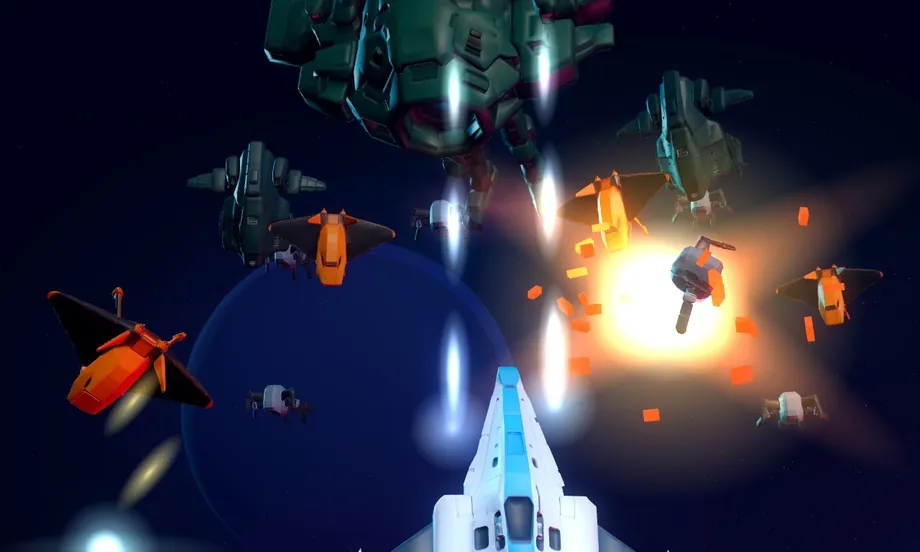
See what Selminha's imagination came up with in today's edition.