
Game area
Workshop Jigsaw
The game loads right here — no download needed.
In every Selminha game: P to pause · M to toggle sound · SPACE or tap to startAbout Workshop Jigsaw
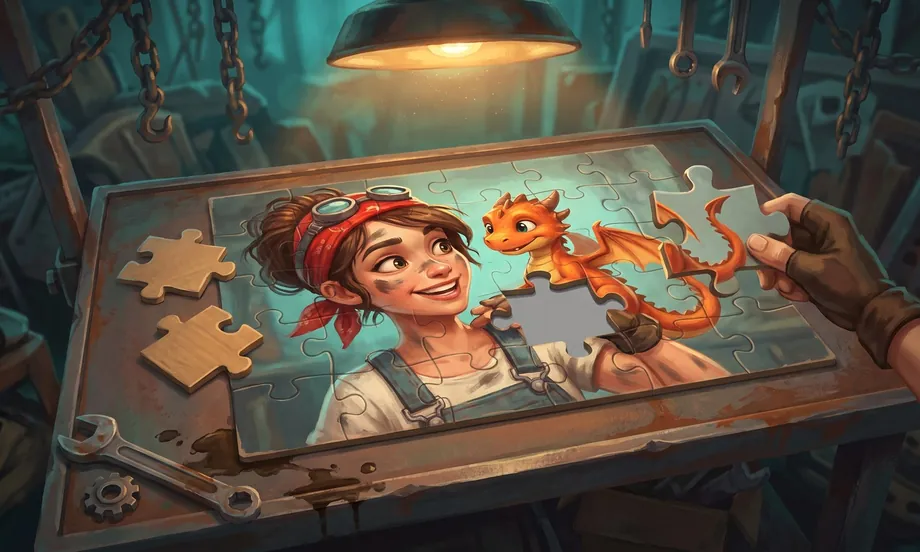
It is the cardboard jigsaw everyone has done, on the bench of Dália's workshop. Each picture is cut into pieces with tabs and blanks — two neighbors share the same cut, so they only fit each other — and the pieces sit shuffled in a tray under the table. Drag a piece onto the table: near its spot it snaps in with a click; near a loose neighbor already on the table, the two lock together and become a block you move as one, just like the real thing. A gray silhouette shows where pieces are still missing. The gallery has ten pictures from the franchise — Bruto Vale lifting a car, a dragon hatchling asleep in the furnace, the broken highway, the Warden's dam, the radio tower, the whole scrap city, Dália's workshop, Kiko on skates, the swap market and the workshop furnace — each with more pieces than the last: 30, 48, 63, 80, 108, 150, 252, 500, 1,000 and 2,000. The big ones let you zoom the table. Three tools: peek at the full picture (hold the button), keep only edge pieces in the tray, and shuffle the tray. Progress for each picture is saved on your device: stop and come back another day. Points for every placed piece (worth more on the bigger pictures) plus a time bonus when you finish, for the site's TOP 5. No lives, no losing: you keep going until it's done.
In Selminha's words
“A jigsaw on the table is the calmest thing there is, and that is exactly what I wanted: no clock in your face, no lives, no losing. Just the pieces of our scrap city, a tray, and that lovely click when one fits. Start with the edges — Dália swears by it.”
How to play Workshop Jigsaw, and tips for finishing faster
- In the gallery, tap a picture (or click it) and choose a mode: NO ROTATION (pieces come the right way up) or WITH ROTATION (pieces come rotated; a short tap on a piece turns it 90°; points ×1.5). If you've already started that picture, the game asks whether to continue where you left off or start over.
- Drag a piece from the tray onto the table. Near its spot it snaps in by itself; near a loose neighbor on the table, the two join and move as a block from then on. To put a piece back, drop it on the tray.
- Swipe the tray sideways to see every piece. On the big pictures, pinch to zoom the table (on a computer: mouse wheel or the + and − keys) and drag the table to move around.
- Tools: SHOW PICTURE (hold) reveals the whole image; EDGES keeps only edge pieces in the tray; SHUFFLE reshuffles the tray. Keyboard: V, B and O.
- P or Esc pauses; M toggles sound; F toggles full screen on a computer. There are no lives: the game ends when the last piece snaps in.
Animated walkthrough
Learn to play Workshop Jigsaw in 9 steps
An animated scene for each rule. It's the same walkthrough that opens from the “?” button in the game.
How it works
- The pieces
- Each picture is cut into tab-and-blank pieces like cardboard ones; the tray under the table holds the ones not yet used.
- Snapping
- Near its spot a piece locks onto the table; near a loose neighbor, the two join into a block that moves together.
- Ten pictures
- From Bruto lifting the car (30 pieces) to the scrap city (150), then the four big ones: Dália's workshop at 252, Kiko on skates at 500, the swap market at 1,000 and the workshop furnace at 2,000. Always more pieces than the last; all unlocked from the start. On the big puzzles, the piece you hold in the tray shows up enlarged in a magnifier.
- Two modes
- NO ROTATION: pieces come the right way up. WITH ROTATION: they come rotated and a short tap turns them 90° — points ×1.5 and a separate best time.
- Tools
- Show the picture, keep only edges in the tray, shuffle the tray. On the big pictures, zoom the table.
- Progress
- Each picture remembers where you stopped, on this device. Close it and come back later.
Pieces are cut from the picture itself and drawn once: the game stays light even with 2,000 pieces on a phone.
Controls on phone and computer
- Computer
- Drag pieces with a finger or the mouse · mouse wheel, + and − zoom the table · V shows the picture · B edges only · O shuffles the tray · P or Esc pauses · M sound · F full screen.
- Touch
- Portrait and full screen on phones. Drag pieces with your finger; the tray scrolls sideways; two fingers zoom the table. Pause and sound in the top-right corner.
Scoring and leaderboard
- Points
- Each placed piece is worth 10 to 55 points depending on the picture size; joining loose pieces scores too.
- Time bonus
- Finishing under the target time (9 seconds per piece) earns a bonus, bigger on large pictures. Peeking costs nothing.
- Top 5
- Your score is posted to the site's leaderboard with the picture, the piece count and the time.
- Languages
- Texts in Portuguese, English and Spanish, each written from scratch.
On the leaderboard, the big pictures are worth far more — and the best time for each picture is marked in the gallery.
Tell us what happened, or what you'd change. Your message goes straight to Selminha, and you'll get a reply by email.
More puzzle games
Your next discovery could be right here.
Matching Pairs
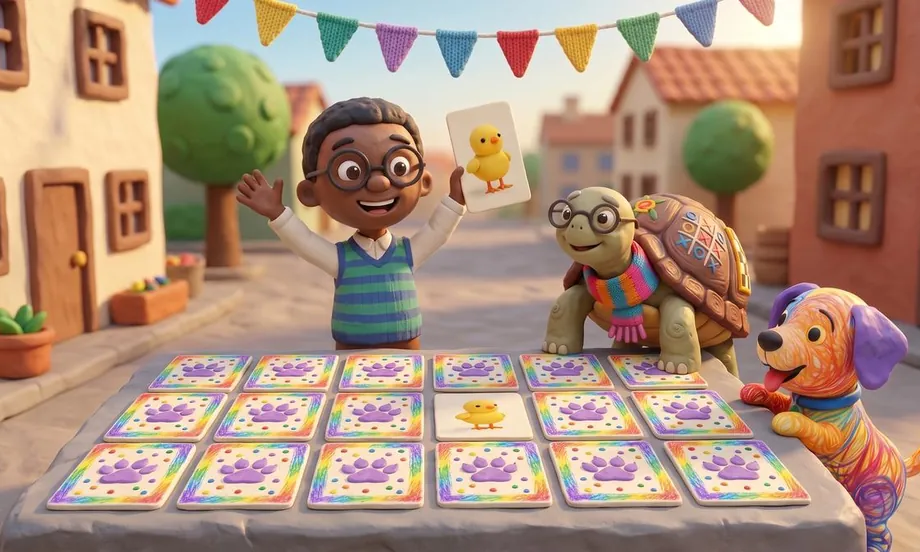
The classic card-matching game, made of clay in Backyard Town: flip two cards at a time and find the pairs. Play solo, take on Scribble, Nino or Granny Quelonia, or play a friend on the same device, with 10, 15 or 20 pairs.
Play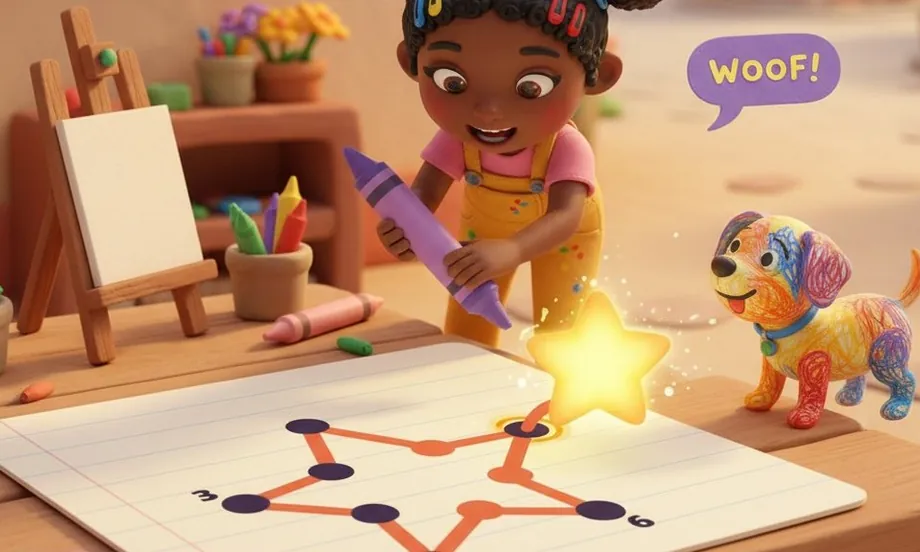
Connect the Dots
The classic dot-to-dot puzzle, set in Backyard Town: tap 1, 2, 3… and Lia's Magic Crayon reveals the picture, which fills with color and comes to life. Ten levels, from a 10-dot star to a 16-dot Scribble.
Play